
Accounting Automation Tools for 2027: What to Look For
Evaluate 2027 accounting automation tools: prepayments, amortization, deferred revenue, expense claims and auto posting with ScanTrix.
ScanTrix Team6 min read
On this page
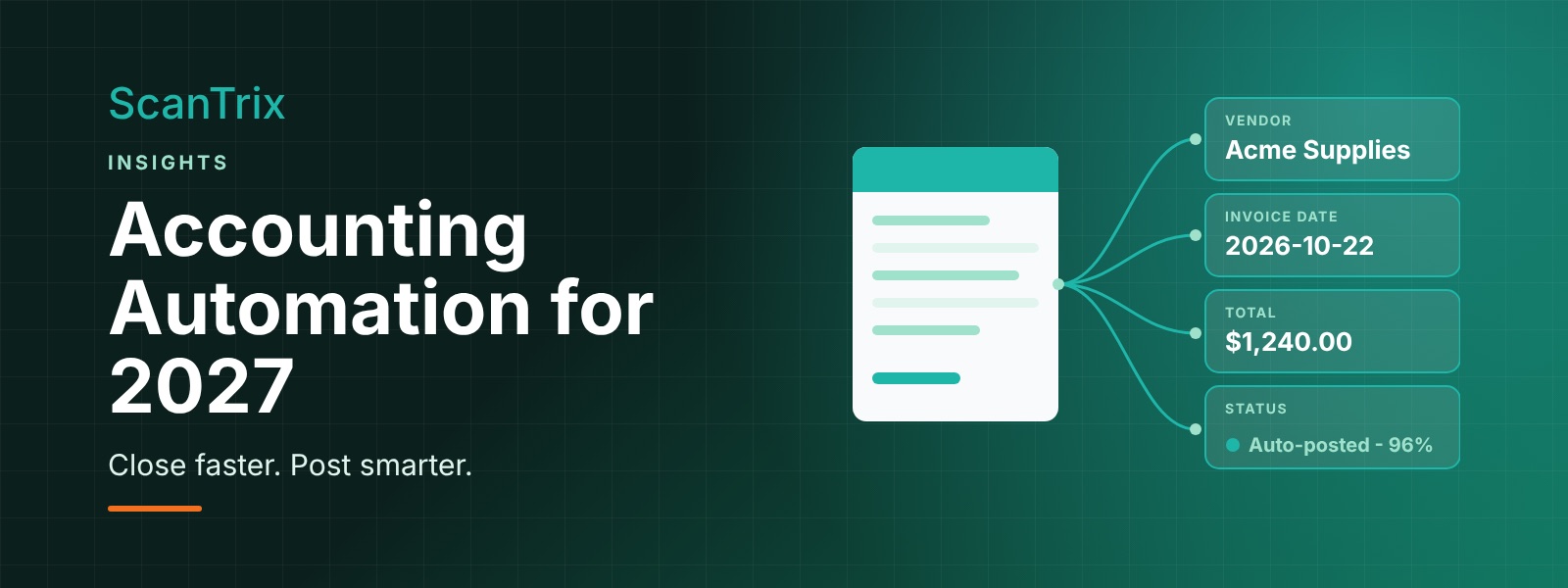
Finance teams heading into 2027 are being asked to do more with the same headcount: faster closes, cleaner books, tighter controls and better visibility for the business. Manual spreadsheets and re-keyed entries make that hard. The good news is that accounting automation has matured, and the right tools can take over the repetitive work while keeping people in charge of judgment calls. This guide covers the capabilities worth prioritizing when you evaluate accounting automation tools for 2027, and shows where ScanTrix fits in.
What accounting automation should actually do
Good automation does not simply digitize paper. It captures data once, understands it, applies your accounting rules, and posts it where it belongs, with a clear record of what happened and why. When you compare tools, look for coverage across the whole workflow rather than a single task: capture, classification, schedules, approvals, posting and audit trail.
- Capture and understanding: reading invoices, receipts and supporting documents accurately, with confidence scores on each field.
- Rules and classification: applying your chart of accounts, vendor rules and policies consistently.
- Schedules and recurring entries: handling the time-based accounting that eats up month-end hours.
- Review and control: routing exceptions to the right person and keeping an audit trail.
- Posting and integration: getting approved data into your accounting system without re-entry.
1. Prepayment schedules
Annual software subscriptions, insurance premiums, rent paid in advance and similar costs are recorded as prepaid assets and expensed over the period they cover. Tracking these in a spreadsheet works until the list grows, a start date is missed, or someone leaves and takes the logic with them.
An automation tool should detect a prepayment from the source document, capture the coverage period and amount, and build the schedule for you. ScanTrix helps by extracting the key details from the invoice, such as vendor, amount and service dates, so the prepayment schedule starts from the document rather than from manual keying. Your team reviews the schedule, and the monthly entries follow it.
2. Auto amortization
Amortization is the engine behind prepaid expenses and other costs spread over time. Doing it by hand means a monthly checklist of calculations and journal entries, each one a chance for a transposed number or a forgotten line.
With auto amortization, the schedule generates the entries for you each period. Look for tools that let you choose the method and timing that match your policy, show how each entry ties back to the source document, and flag changes such as a cancelled contract or a revised term. ScanTrix supports this approach by connecting the document, the schedule and the resulting entries, so a reviewer can trace any amount back to where it came from.
3. Deferred revenue schedules
If you bill customers in advance for subscriptions, retainers or multi-period services, you cannot recognize that revenue all at once. It sits as a liability and is recognized as the service is delivered. Managing that with spreadsheets becomes difficult as contracts, start dates and renewals multiply.
A deferred revenue schedule automates the release of revenue over the service period and keeps the balance reconcilable. ScanTrix helps by capturing the billing details from customer invoices and contracts and building the recognition schedule from them, giving finance a consistent, reviewable view of what has been billed, what has been recognized and what remains deferred. As always, your accounting policies and your accountant determine the treatment; the tool applies them consistently.
4. Expense reimbursements
Employee expense claims are a classic source of delay and error: crumpled receipts, missing details, miscategorized spend and slow approvals. Automation can remove most of that friction.
- Capture receipts easily so employees submit once and are not asked to retype details.
- Extract the essentials such as merchant, date, amount and tax automatically.
- Check against policy and flag missing information or unusual items for review.
- Route for approval to the right manager, then move approved claims toward reimbursement and posting.
ScanTrix reads the receipts, pulls out the fields, and prepares the claim for review so approvers see clean data rather than photos to decipher.
5. Auto posting and classifying transactions
Classification is where many finance teams spend hours: deciding which account, category, department or tax code applies to each transaction. Inconsistency here ripples into reporting, budgeting and tax preparation.
Auto classification applies your rules and learned patterns to suggest or assign the right coding, and auto posting sends approved transactions to the accounting system without re-entry. The key is control. A strong tool uses confidence thresholds: high-confidence items flow through automatically, while uncertain ones go to a reviewer. ScanTrix works this way, classifying transactions based on your setup, posting approved ones, and keeping a record of who reviewed what and when values changed.
How to evaluate accounting automation tools for 2027
Whatever vendors you consider, a few practical questions separate real automation from a polished demo:
- Does it cover the whole flow? Capture, classification, schedules, review and posting should connect, not live in separate tools.
- Can you see the reasoning? Every number should trace back to a source document and a rule.
- How are exceptions handled? Look for clear queues, assigned reviewers and a record of corrections.
- Does it fit your accounting system? Check how data is posted and how mismatches are handled.
- Can you test it on your documents? Run a pilot with your own invoices, receipts and contracts before committing.
- What does ongoing upkeep look like? Ask who maintains rules and thresholds, and how often.
Where ScanTrix fits
ScanTrix is designed to take the manual, repetitive steps out of accounting without taking people out of the loop. It captures data from invoices and receipts, builds prepayment and deferred revenue schedules, automates amortization entries, supports expense reimbursements, and classifies and posts transactions, with review steps and an audit trail built in. That combination helps teams shorten the close, reduce rework and keep better control of their numbers.
Conclusion
In 2027, the strongest accounting automation tools will be the ones that connect the whole workflow and keep humans informed. Start by listing the tasks that consume the most month-end time, such as schedules, reimbursements and coding, then test candidate tools on your own documents. Prioritize traceability and exception handling over flashy features, and expand automation step by step as confidence grows.
See how ScanTrix can automate your schedules, reimbursements and posting.
Request a demo at scantrix.ai.
Frequently asked questions
What are accounting automation tools?
They are software that captures financial data from documents, applies accounting rules, builds schedules, routes items for review and posts entries to your accounting system, reducing manual entry and repetitive month-end work.
Does automation replace accountants?
No. Automation handles repetitive work, while accountants set policies, review exceptions and make judgment calls. The goal is to give them more time for analysis and oversight.
Where should we start with automation?
Begin with a high-volume, rules-driven process such as invoice capture or expense reimbursements, measure the time saved and error reduction, then extend to schedules like prepayments, amortization and deferred revenue.