
How to Reduce Manual Data Entry: A Practical Playbook for Ops Teams
Learn how to reduce manual data entry with a 5-step playbook: map intake, set confidence thresholds, route exceptions and keep audit control.
ScanTrix Team6 min read
On this page
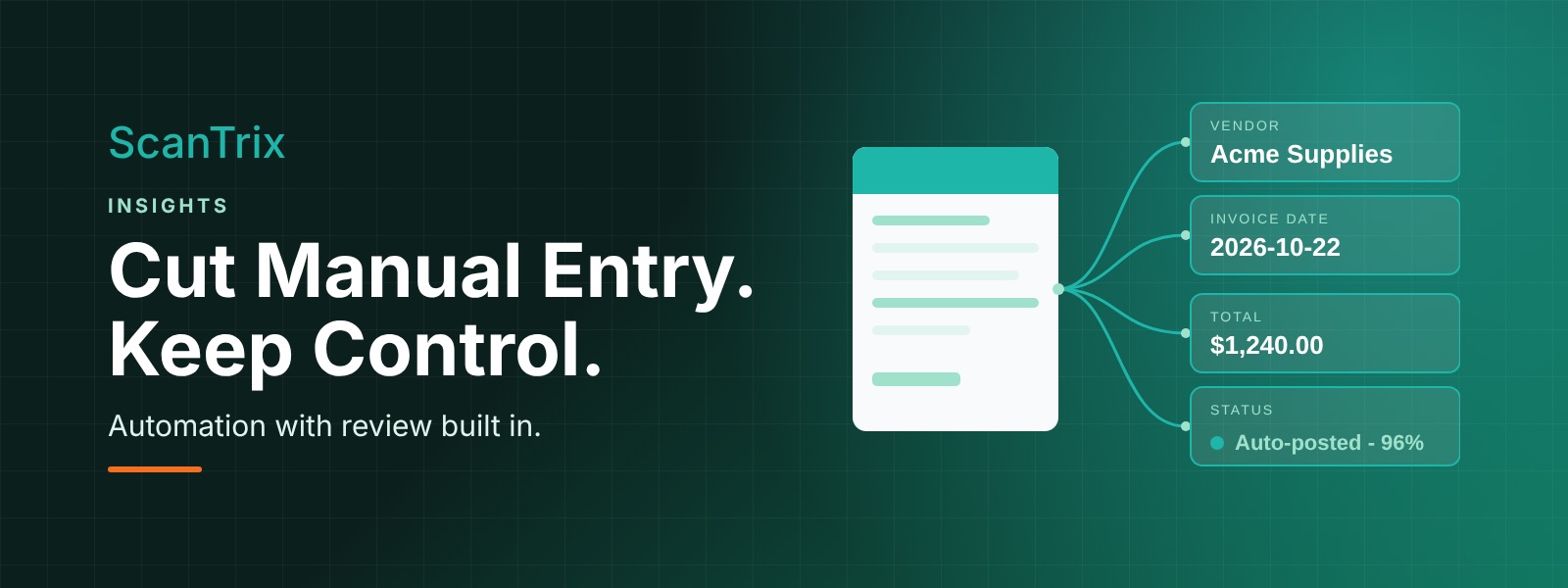
Every operations team knows the feeling: documents arrive by email, portal, scan and shared folder, and someone has to retype the details into a system. It is slow, but the bigger problem is inconsistency. A mistyped vendor name, a swapped date or a missing field rarely stays where it started. It travels into reporting, billing and the customer experience, where it is far more expensive to fix. This playbook walks through a practical way to reduce manual data entry while keeping people in control of the outcomes that matter.
Why manual data entry costs more than the keystrokes
Manual keying is usually justified as "just how we do it," but its costs are spread across the business and easy to miss. The direct cost is time spent typing and checking. The indirect costs are the ones that hurt:
- Inconsistent records. The same vendor or customer appears under three spellings, which breaks reconciliation and makes reports unreliable.
- Downstream rework. Errors found at month-end or after an invoice is sent need investigation, correction and sometimes an apology.
- Slow cycle times. Work waits in an inbox until someone has time to key it in.
- Hidden risk. When corrections are made informally, there is no clear record of who changed what and why.
Reducing manual entry is therefore not only an efficiency project. It is a data quality and control project.
The five-step playbook
Step 1: Map your intake channels
Start by listing every way documents reach your team: shared mailboxes, supplier portals, file uploads, scanned paper, messaging apps. For each channel, note the volume, who handles it and where the data ends up. Most teams discover channels they had forgotten, and that some work is handled twice. A clear map shows where automation will have the biggest effect and where a simple process change, such as a dedicated intake address, removes friction on its own.
Step 2: Standardize your document types
Automation works best when you know what you are processing. Group your documents into a short list of types, such as invoices, purchase orders, delivery notes, claims forms or applications. Decide how each type should be recognized and which team owns it. Even with a document capture platform doing the reading, it helps to have an agreed list so that everyone speaks the same language about what comes in.
Step 3: Define the required fields
For each document type, decide which fields the business genuinely needs and which are nice to have. Be specific about format: dates, currency, tax identifiers, reference numbers. Distinguishing "required" from "optional" keeps the process focused and gives you a clear standard for deciding when a document is complete. Fewer, well-defined fields are almost always better than capturing everything.
Step 4: Set confidence thresholds
AI-based extraction assigns a confidence level to each value it reads. Use that signal. Decide in advance what level of confidence lets a value pass straight through, and what level triggers a human check. You may want stricter thresholds for high-impact fields, such as totals and bank details, than for low-impact ones. Start conservatively, review the results, and relax thresholds as you build trust in the output. This is how automation and control work together rather than against each other.
Step 5: Route exceptions to the right reviewer
No process is exception-free, so design for them. Rather than sending everything to one overloaded person, route by reason: a missing field goes to the intake team, a vendor mismatch goes to the vendor master owner, an unusual amount goes to an approver. Give reviewers the original document next to the extracted values so they can resolve the issue quickly. Clear exception queues turn surprises into a managed workflow.
Building oversight in from the start
Teams are often reluctant to automate because they fear losing visibility. The answer is to build oversight into the design rather than bolt it on later. Three mechanisms do most of the work:
- Validation rules. Check formats, ranges and relationships between fields, for example that line items add up to the total or that a date is not in the future.
- Review queues. Make sure low-confidence or rule-failing items always reach a person before they are posted.
- Audit logs. Record who reviewed a document, what was changed, and when. This makes corrections traceable and audits far less painful.
With these in place, automation becomes something you can explain to finance, compliance and leadership, not a black box.
How to quantify the impact
To justify the effort and track progress, measure a baseline before you change anything, then compare. Three measures are enough for most teams:
- Hours saved. Estimate documents per month multiplied by the average handling time, before and after. Count review time honestly, since reviewing is faster than typing but not free.
- Error rate. Sample a set of records each month and count those needing correction. Track where errors occur, not only how many.
- Cycle time. Measure how long a document takes from arrival to being usable in your system. Shorter cycle times often matter more to the business than raw hours saved.
Use your own numbers rather than industry averages. A small pilot on one document type gives you real figures to build the case for expanding.
Common pitfalls to avoid
- Automating a messy process. If intake is chaotic, fix that first or in parallel.
- Chasing 100% automation. A well-designed review step is a feature, not a failure.
- Ignoring reviewers. The people who handle exceptions know where the real problems are; involve them early.
- Skipping the baseline. Without before-and-after measures, success is a matter of opinion.
A simple way to start
Pick one document type with steady volume and a clear owner. Map its intake, define the required fields, set cautious confidence thresholds and route exceptions to named reviewers. Run it for a few weeks, measure hours, error rate and cycle time, and adjust. Tools like ScanTrix are built around exactly this pattern: capture the data, check it against your rules, and put a person in the loop where it counts.
Conclusion
Reducing manual data entry is less about replacing people and more about removing repetitive typing so they can focus on judgment. By mapping channels, standardizing document types, defining required fields, setting confidence thresholds and routing exceptions, you get fewer inconsistencies, faster cycle times and a process you can trust. Add validation rules and audit logs, and you keep control while the manual work shrinks.
Frequently asked questions
Can we reduce manual data entry without removing human review?
Yes. Confidence thresholds and validation rules let clean data pass through while uncertain items go to a reviewer, so people focus on exceptions instead of retyping everything.
Where should we start?
Start with one high-volume document type that has a clear owner. A focused pilot makes it easy to measure hours saved, error rate and cycle time before you expand.
How do we keep the process auditable?
Keep an audit log of who reviewed each document, which values changed and when, and combine it with validation rules so every correction is traceable.