
Guide · 14 pages
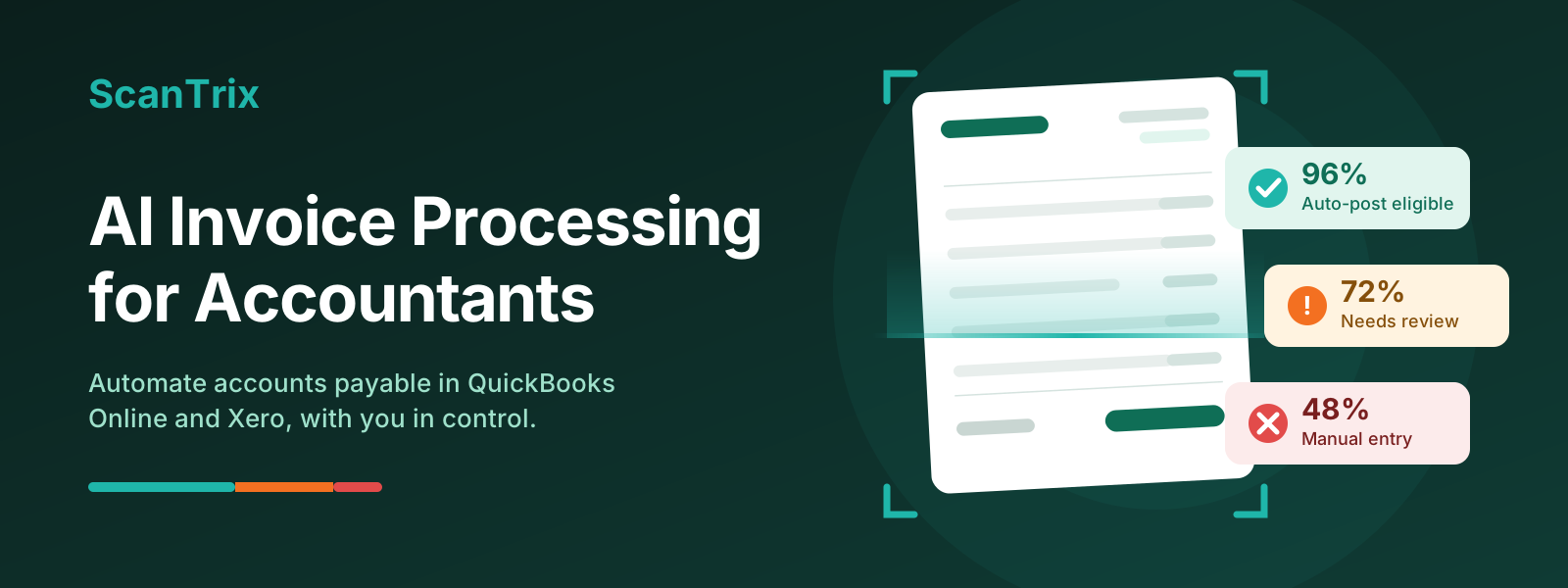
AI Invoice Processing for Accountants
How to automate accounts payable in QuickBooks Online and Xero without giving up control of the books: confidence scores, approvals, a 10-question buying checklist and a 30-day rollout plan.
ScanTrix TeamOctober 202616 min read
Contents
- The short version
- 1. What is AI invoice processing?
- 2. What manual invoice entry really costs
- 3. How AI invoice scanning works, step by step
- 4. Confidence scores: automation you can trust
- 5. Approvals, roles and audit trails
- 6. Duplicates, vendors and coding
- 7. How to choose an AI invoice tool: 10 questions
- 8. A 30-day rollout plan
- 9. Where ScanTrix fits
- Frequently asked questions
- Glossary
- Questions about your own setup?
Unlock this guide
Enter a few details to read it here on the site or download the PDF. It takes about ten seconds.
What's inside
- The short version
- 1. What is AI invoice processing?
- 2. What manual invoice entry really costs
- 3. How AI invoice scanning works, step by step
- 4. Confidence scores: automation you can trust
- 5. Approvals, roles and audit trails
- 6. Duplicates, vendors and coding
- 7. How to choose an AI invoice tool: 10 questions
- 8. A 30-day rollout plan
- 9. Where ScanTrix fits
- Frequently asked questions
- Glossary
- Questions about your own setup?